
Auto-emptying failed / dust bag not detected or full
Where to look: OMNI Station dust collection cabin and disposable dust bag.
Station fails to empty the robot dustbin, or reports bag missing/full after a new bag. Official steps include cabin close, dock seating, power-cycle, and firmware.
Picture
Quick answers
What is wrong?
Station fails to empty the robot dustbin, or reports bag missing/full after a new bag. Official steps include cabin close, dock seating, power-cycle, and firmware.
What you might notice
- Auto-emptying failed
- Dust bag not detected
- Still says full after a new bag
Can I fix this myself?
Often yes with careful cleaning. Difficulty: medium · about 10-25 min. If unsure or it returns, use mail-in repair.
What you need
- Just your hands and a clear floor
Do this
- Fit the dust bag correctly and fully close the dust collection cabin.
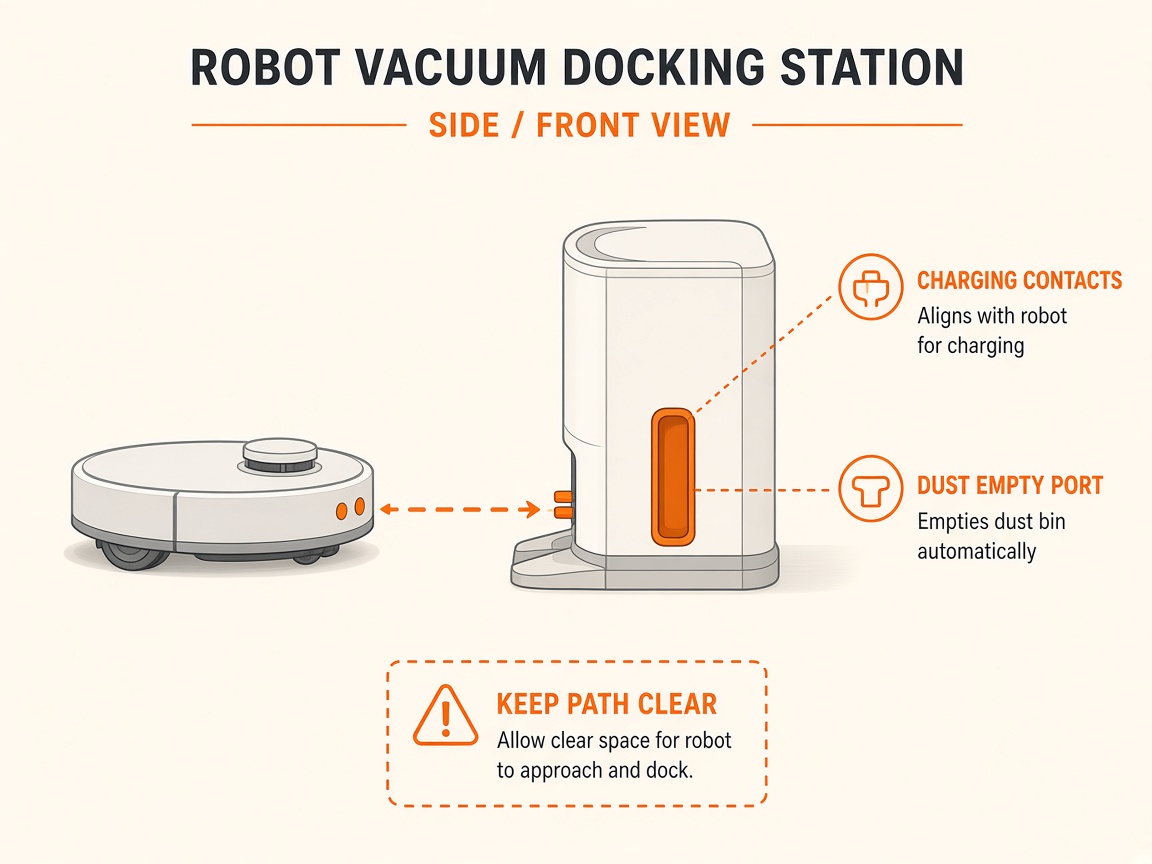
- Confirm the DEEBOT is correctly docked and charging on the station.
- If "dust bag not detected": open the cabin, install a bag, or remove and reinstall the existing bag.
- If it still says full after a new bag: power off/restart the robot; disconnect and reconnect station power; update robot firmware; ensure it is charging; reinstall the bag.
- Listen for blower noise during Empty. If the cabin is sealed, bag is new, and Empty still fails, request station blower / duct repair.
Parts (only if cleaning fails)
- OMNI Station dust bag
- Station auto-empty path (service)
Official references
- https://help.ecovacs.com/us/support/deebot-x5-pro-omni/faq-detail?id=1057&product_id=999
- https://help.ecovacs.com/us/support/deebot-x5-pro-omni/faq-detail?id=1057&product_id=999
- https://help.ecovacs.com/us/support/deebot-t20-omni
- https://help.ecovacs.com/us/support/deebot-t20-omni