
Dock status indicator light is steady red
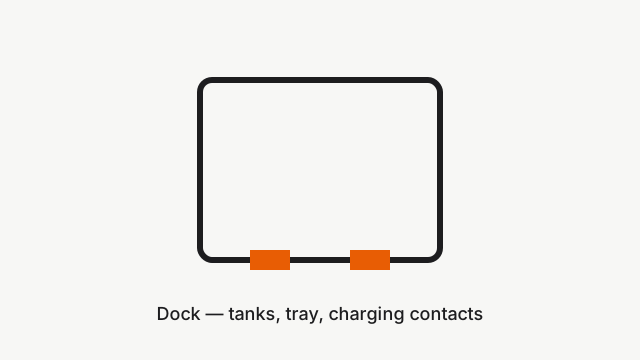
Where to look: Dock water tanks and cleaning tray module.
Steady red dock status light — voltage mismatch, water tank seating, or cleaning tray/filter not installed correctly (Qrevo Edge manual).
Picture
Quick answers
What is wrong?
Steady red dock status light — voltage mismatch, water tank seating, or cleaning tray/filter not installed correctly (Qrevo Edge manual).
What you might notice
- Dock status light steady red
- Mop wash or refill fails
- App dock alerts
Can I fix this myself?
Often yes with careful cleaning. Difficulty: medium · about 15-25 min. If unsure or it returns after parts cleaning, use mail-in repair.
What you need
- Soft cloth
Do this
- Confirm local supply voltage matches the requirements printed on the dock.
- Reseat or refill the clean water tank; close the lid and latch firmly.
- Empty and reseat the dirty water tank.
- Remove and reinstall the cleaning tray module and cleaning tray filter until seated correctly.
- If the light stays red after tanks and tray are correct, request dock service.
Parts (only if cleaning fails)
- Cleaning tray filter
- Dock water tanks (if cracked)
Official references
- https://cdn.awsusor0.fds.api.mi-img.com/support/manuals/Roborock_Qrevo_Edge_S5A_CE_EN_User_Manual.pdf
- https://gl-files.roborock.com/product/center/manuals/Roborock%20Qrevo%20Edge%202%20CE%20EN%20User%20Manual.vum9ib3jvy2.pdf