
Error 1: Top laser sensor (LDS) not spinning
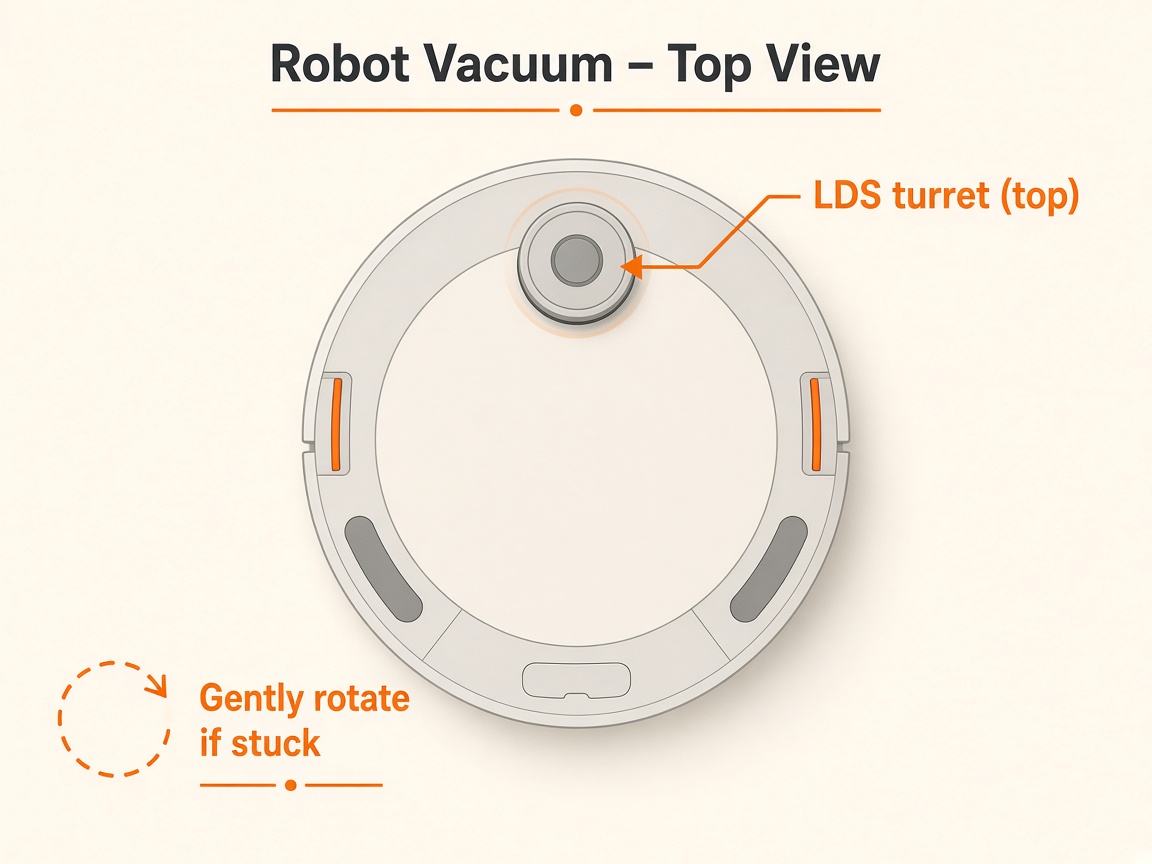
Where to look: The round laser tower on top of the robot (Saros 10/10R can retract into the body).
Error 1 — LiDAR turret jammed, blocked, or not spinning so the robot cannot map. Cleaning is DIY; a tower that still will not spin after freeing usually needs an LDS module service.
Picture
Watch (similar Roborock models)
_Videos show related Roborock robots. Follow the written steps for Roborock S8 MaxV Ultra._
Similar Roborock models — Error 1 laser check
Quick answers
What is wrong?
Error 1 — LiDAR turret jammed, blocked, or not spinning so the robot cannot map. Cleaning is DIY; a tower that still will not spin after freeing usually needs an LDS module service.
What you might notice
- App or voice reports Error 1
- Robot fails to map or spins in place
- Laser tower does not spin when powered on
Can I fix this myself?
Often yes with careful cleaning. Difficulty: medium · about 10-20 min (+ repair if recurring). If unsure or it returns after parts cleaning, use mail-in repair.
What you need
- Soft dry cloth
- Optional: canned air
Do this
- Power on and watch the laser unit — it should spin smoothly.
- If it does not spin, gently rotate it by hand about one full turn to free it, then restart.
- Wipe dust/hair around the tower with a soft cloth. Do not force the housing open or spray liquids into the turret.
- Run a short clean. If Error 1 returns with a free-spinning tower, stop DIY — the LDS motor/module usually needs service.
- Request Brisbane mail-in repair rather than opening sealed electronics.
Parts (only if cleaning fails)
- LDS / laser module (service part)
Official references
- https://support.roborock.com/hc/en-us/articles/360035369092-What-should-I-do-when-error-1-occurs