
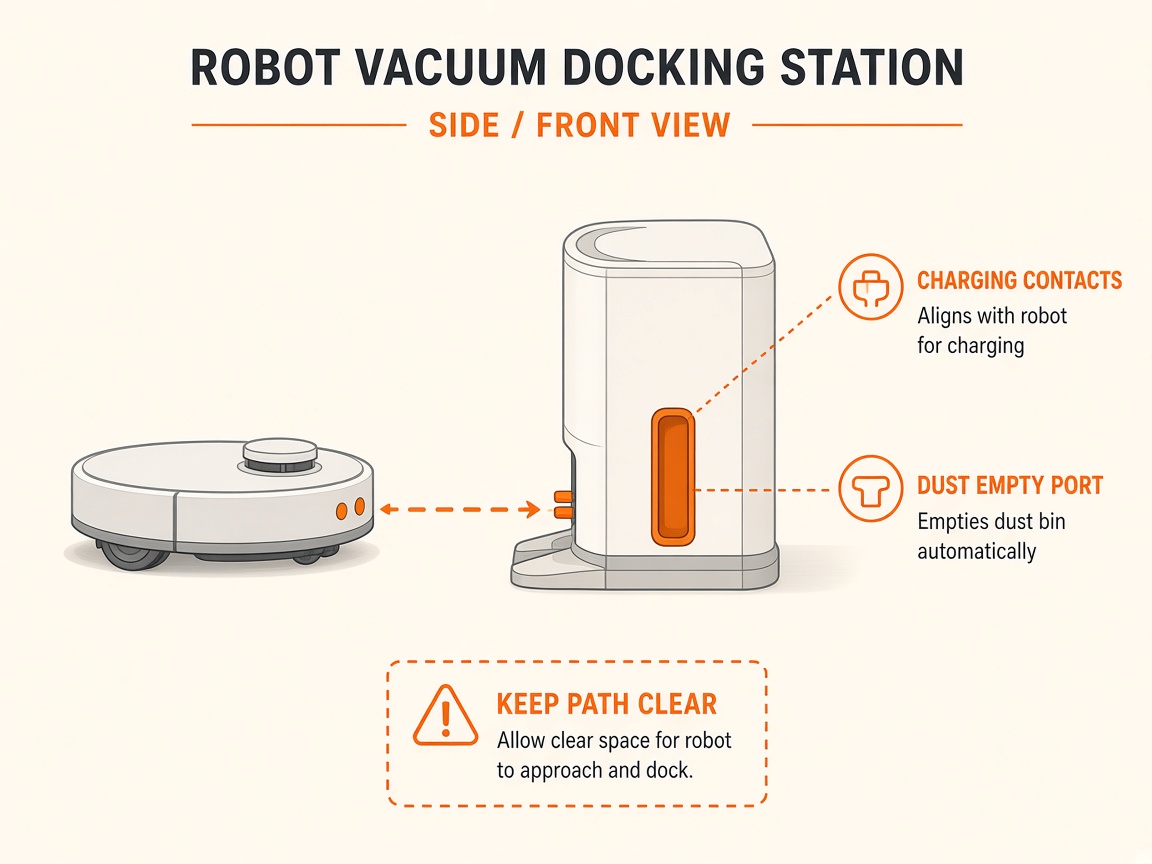
Not charging — clean contacts
Where to look: Robot and Clean Base charging contacts.
Robot docks but does not charge, or charging errors that clean contacts may fix.
Picture
Quick answers
What is wrong?
Robot docks but does not charge, or charging errors that clean contacts may fix.
What you might notice
- Docks but will not charge
- Charging error (e.g. 4/5/19/21)
Can I fix this myself?
Usually yes for cleaning/clearing. Difficulty: easy · about 10-15 min. If unsure or the error returns, use mail-in repair.
What you need
- Lightly damp melamine foam or cloth
Do this
- Unplug the dock and wait 60 seconds. Place robot upside down.
- Clean robot charging contacts with lightly dampened melamine foam (Magic Eraser) or lightly dampened cloth until shiny — no abrasives.
- Clean dock contacts, IR window, and visual docking target with a clean dry cloth.
- Green/copper damaged contacts need replacement via iRobot care / repair request.
Parts (only if cleaning fails)
- None for a basic clean
Official references
- https://homesupport.irobot.com/s/article/32681
- https://homesupport.irobot.com/articles/en_US/Knowledge/19598